
Usage Guides
Step-by-step instructions for using darknet marketplaces safely
Prerequisites
Before following this guide, ensure you have:
- Installed Tor Browser (see Security Guide)
- Configured VPN connection (recommended)
- Generated PGP key pair for encrypted communication
- Password manager for storing credentials securely
Step 1: Accessing the Marketplace
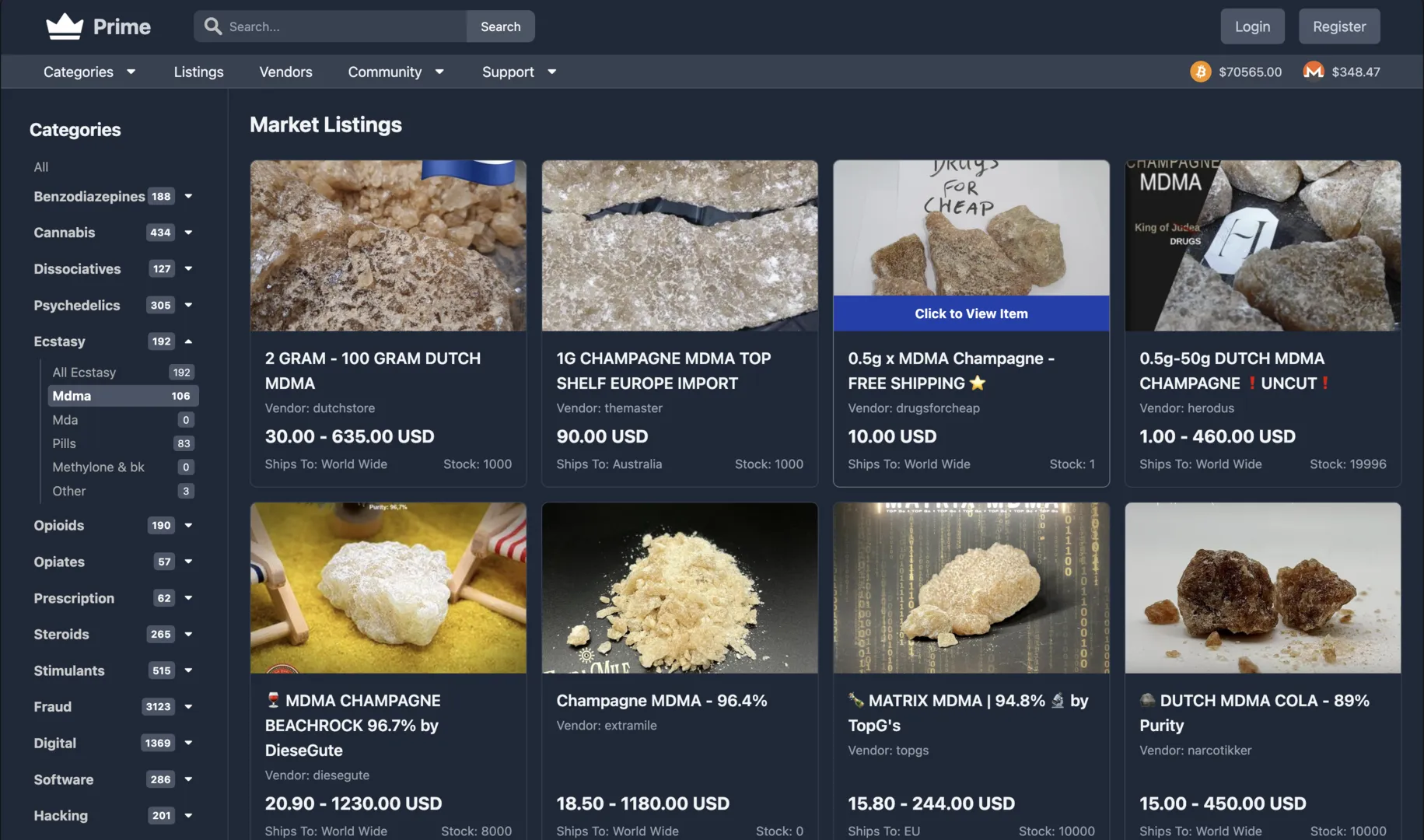
Marketplace interface showing product listings
Access via Tor
- Launch Tor Browser
- Wait for connection to Tor network
- Navigate to .onion address
- Verify security certificate (green padlock)
- Bookmark the correct URL
Security Verification
- Check URL matches official address
- Verify PGP signed messages from administrators
- Look for mirror links on trusted forums
- Never trust links from untrusted sources
Step 2: Registration

Registration and login interface
Account Creation
- Click "Register" button
- Choose unique username (no personal info)
- Create strong password (20+ characters)
- Complete CAPTCHA verification
- Save credentials in password manager
Security Setup
- Enable 2FA immediately
- Add PGP public key to profile
- Set up mnemonic phrase backup
- Configure security questions
- Save backup codes offline
Important Security Tips
- Use unique password not used anywhere else
- Never share account credentials
- Don't reuse usernames from other platforms
- Store credentials encrypted (KeePassXC recommended)
Step 3: Browsing Products

Product details and vendor information
Navigation
- Categories: Browse by product type
- Search: Use keywords to find specific items
- Filters: Sort by price, rating, location
- Vendors: Check vendor profiles and ratings
Evaluating Listings
- Read product descriptions carefully
- Check vendor ratings and feedback
- Review recent transactions
- Verify vendor PGP key
- Look for detailed product photos
Vendor Verification
# Import vendor's public key
gpg --import vendor_pubkey.asc

# Verify vendor's signed message
gpg --verify vendor_message.asc
Step 4: Making Orders

Order checkout and payment interface
Order Process
- Select product quantity
- Review escrow terms
- Provide shipping information (encrypted)
- Select payment method (BTC/XMR)
- Confirm order details
Payment
- Copy payment address carefully
- Use Monero (XMR) for better privacy
- Send exact amount specified
- Wait for blockchain confirmations
- Save transaction ID
Escrow System
The escrow system protects both buyers and sellers:
- Payment held: Funds locked in escrow when order placed
- Vendor ships: Seller sends product after payment confirmation
- Buyer receives: Confirm delivery within specified timeframe
- Finalize: Funds released to vendor after confirmation
- Dispute: Admin mediates if issues arise
Step 5: Communication
Encrypted Messaging
Always use PGP encryption when communicating with vendors.
# Compose message in text editor
nano message.txt

# Encrypt for vendor
gpg --encrypt --armor -r vendor@market.onion message.txt

# Copy encrypted message
cat message.txt.asc
Communication Best Practices
- Never share personal information
- Use PGP for all sensitive messages
- Verify vendor's PGP key fingerprint
- Keep communication on-platform when possible
- Be professional and clear in messages
Step 6: Order Tracking
Monitoring Orders
- Order Status: Check dashboard for updates
- Tracking: Vendor may provide tracking info (encrypted)
- Messages: Monitor for vendor communications
- Timeframes: Note expected delivery dates
After Delivery
- Verify package contents match order
- Test product quality (if applicable)
- Finalize order in marketplace
- Leave honest feedback for vendor
- Rate transaction experience
Handling Issues
- Non-delivery: Contact vendor first, then open dispute
- Wrong product: Provide evidence, request resolution
- Quality issues: Document with photos/descriptions
- Disputes: Provide clear evidence to mediators
Security Best Practices
During Use
Privacy
- Always use Tor Browser
- Enable VPN before Tor
- Don't access over public WiFi
- Use Tails OS for maximum security
Account Security
- Log out after each session
- Clear browser data regularly
- Change passwords periodically
- Monitor account activity
Financial Security
- Use separate crypto wallets
- Don't reuse addresses
- Mix coins for privacy
- Verify all addresses carefully
Common Mistakes to Avoid
- Accessing without Tor Browser
- Using personal email or usernames
- Reusing passwords from other sites
- Sending unencrypted shipping addresses
- Finalizing orders before receiving
- Trusting vendors without checking feedback
- Sharing account access
- Using exchanges directly linked to identity